On the HPE ProLiant Gen 10 models with iLO 5, you have a new feature that gives you a health summary when you’re looking at the KVM of a rackmount (side note: I haven’t checked a blade yet w/ the dongle so feel free to check it out sometime and report back) when you press the UID button on the front of the server. There are some other features of the UID button as well as noted in the CAUTION section.
Here’s the official blip in this doc from HPE (page 319 in the HPE iLO 5 User Guide):
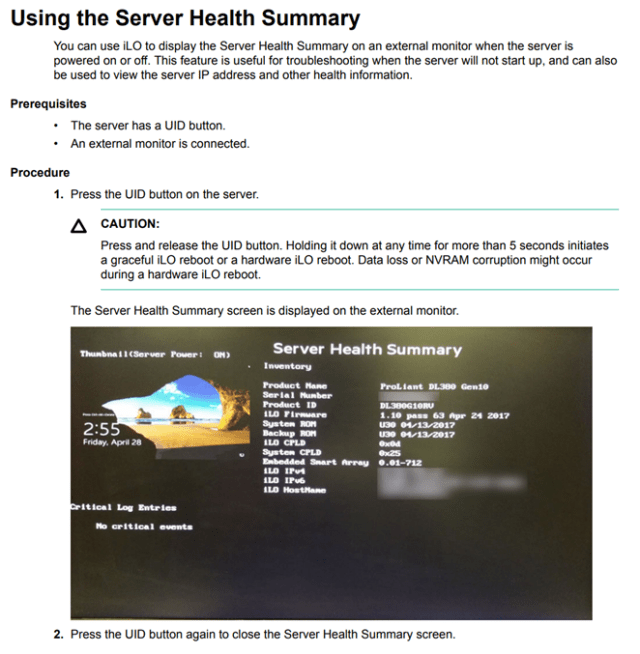
So, in case you hit the UID so you can install some cabling, then intend on logging into it…and you run into that screen, momentarily hit the UID to turn it off and you’ll be back to a full-screen view.


 Finicky Server Administrator Musings
You can disable this feature at boot by disabling “Show Server Health on External Monitor Under Security, Access Settings within the iLO website